
Outputs synced to the deal
Every document synced to the right HubSpot deal, automatically
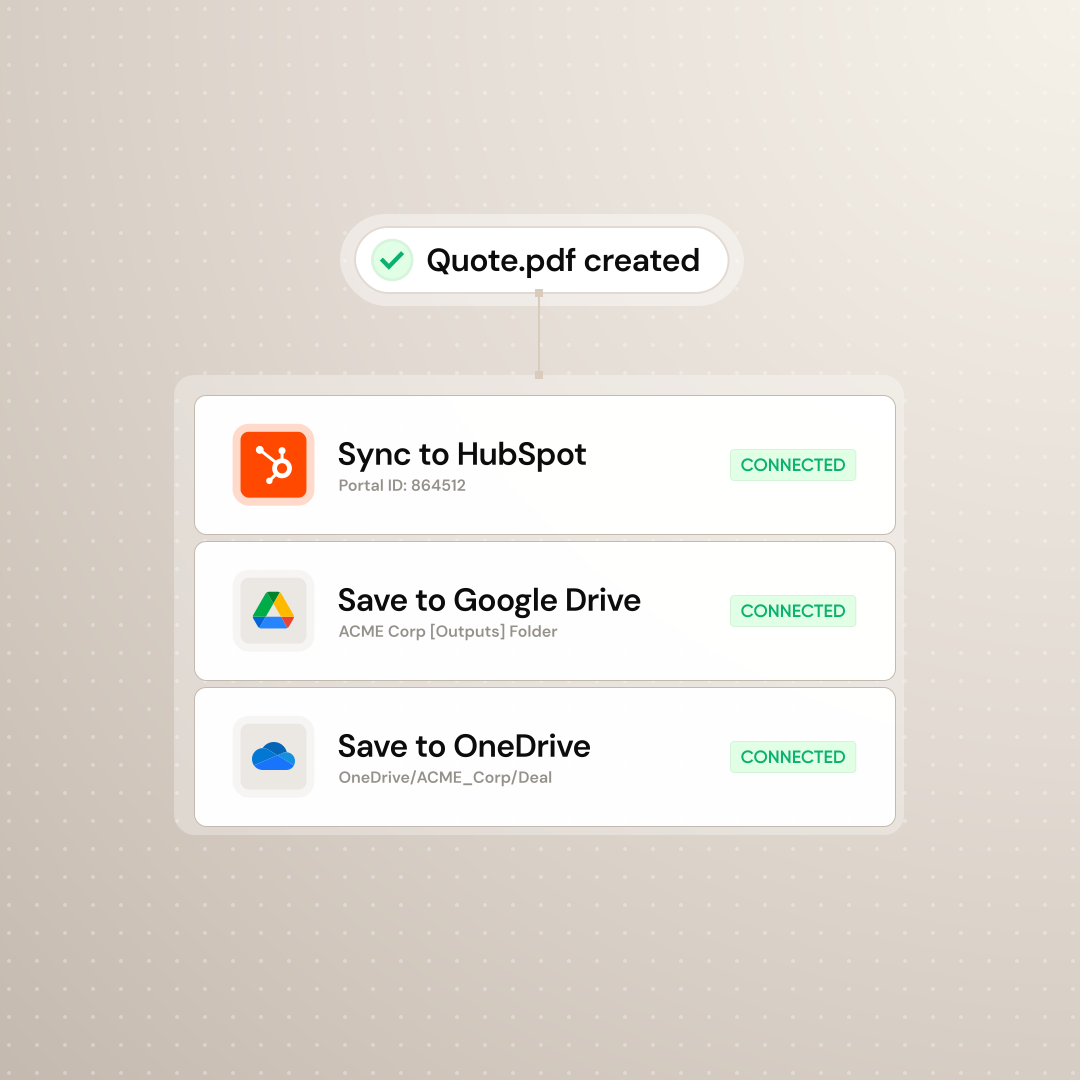
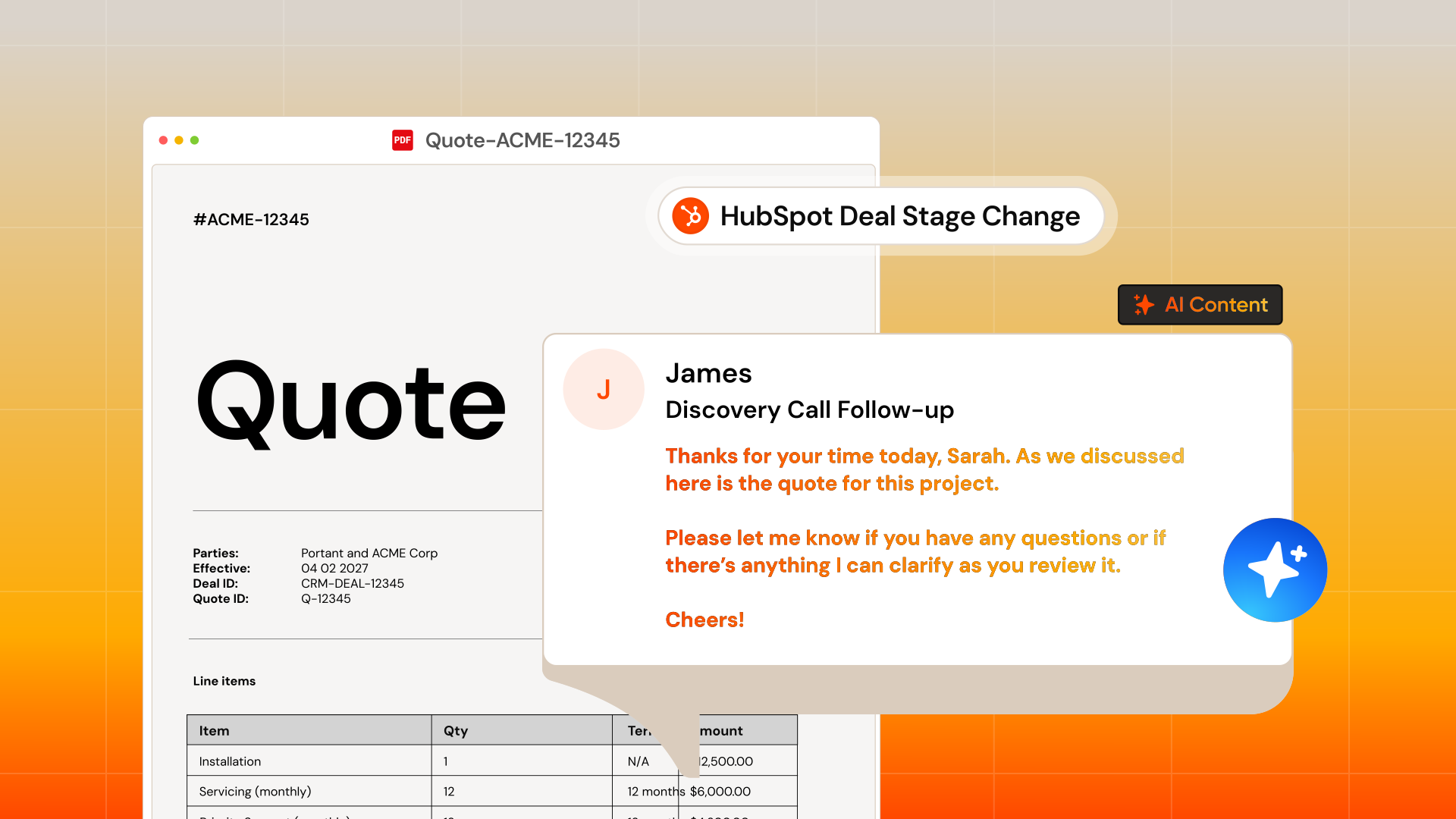
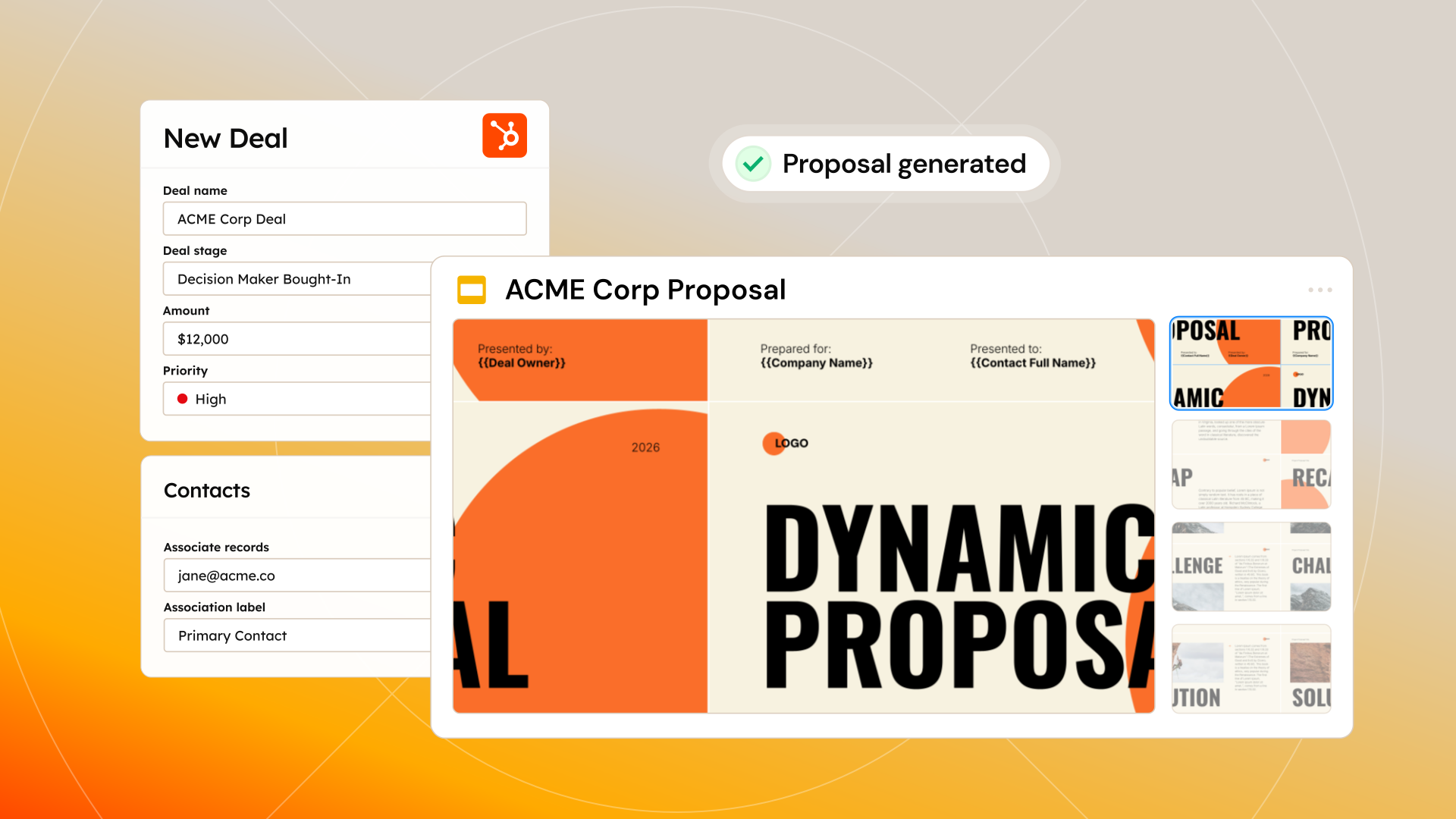
The Sales Hub agent saves every quote, proposal, and contract to Drive or OneDrive, then syncs each one to the right deal in HubSpot. The deal record stays the source of truth, not someone’s inbox.
 Install on HubSpot
Built by Portant, trusted by 40,000+ teams










Outputs that keep the HubSpot deal the source of truth
Looking for output management inside HubSpot? The agent saves every file to the right place and back to the deal record.
Every file lands in the right folder
Rules set destination folders and naming conventions so outputs arrive in shared, predictable locations. No hunting through personal drives at quarter-end.
Skip the download-rename-upload loop
The agent writes directly to the folder with the name pattern you define. One step replaces three manual ones after every run.
A single log of everything generated
Outputs are listed in Portant with file paths and timestamps. Find any prior version in seconds instead of digging through workflow history.
“Portant saved our sales team countless hours every week automating documents.”
Every output, listed against the deal in HubSpot
Every output is named, saved, and tied back to the HubSpot deal so nothing slips through the cracks.
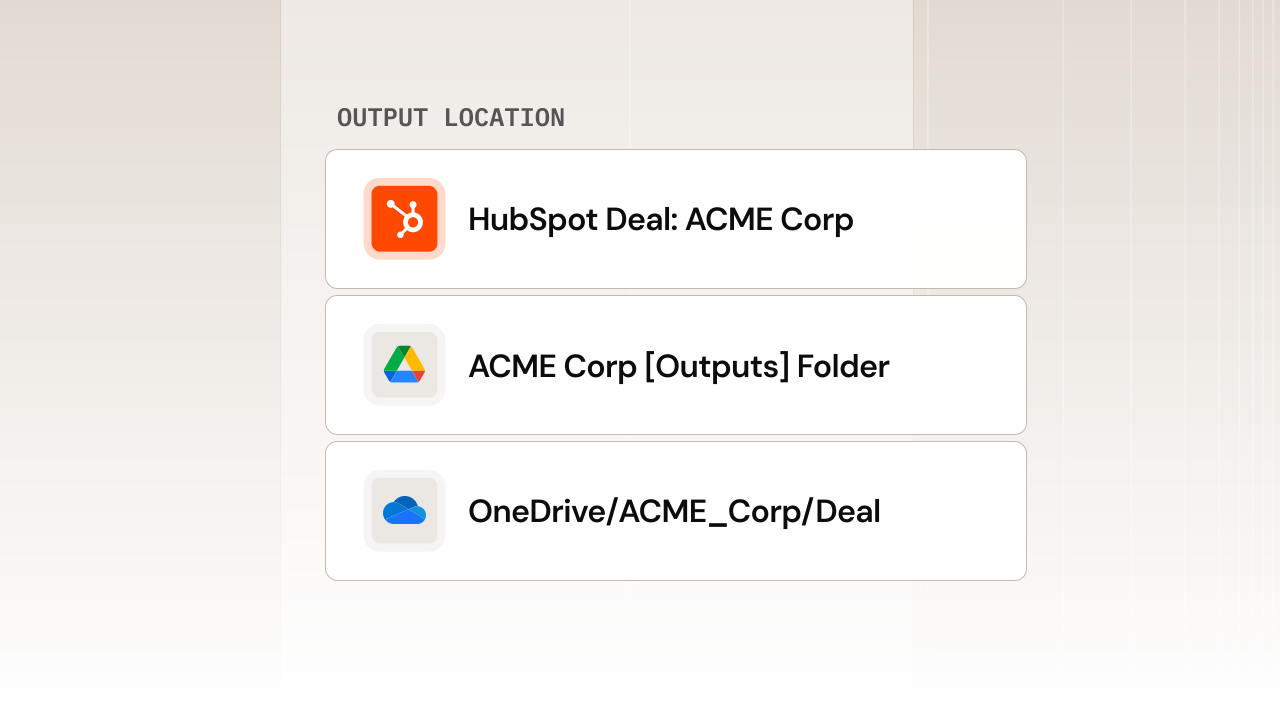
Save files to the right folder, every time
Route finished documents to Google Drive or OneDrive folders that match your deal or customer structure. No more downloading, renaming, and re-uploading after every run.
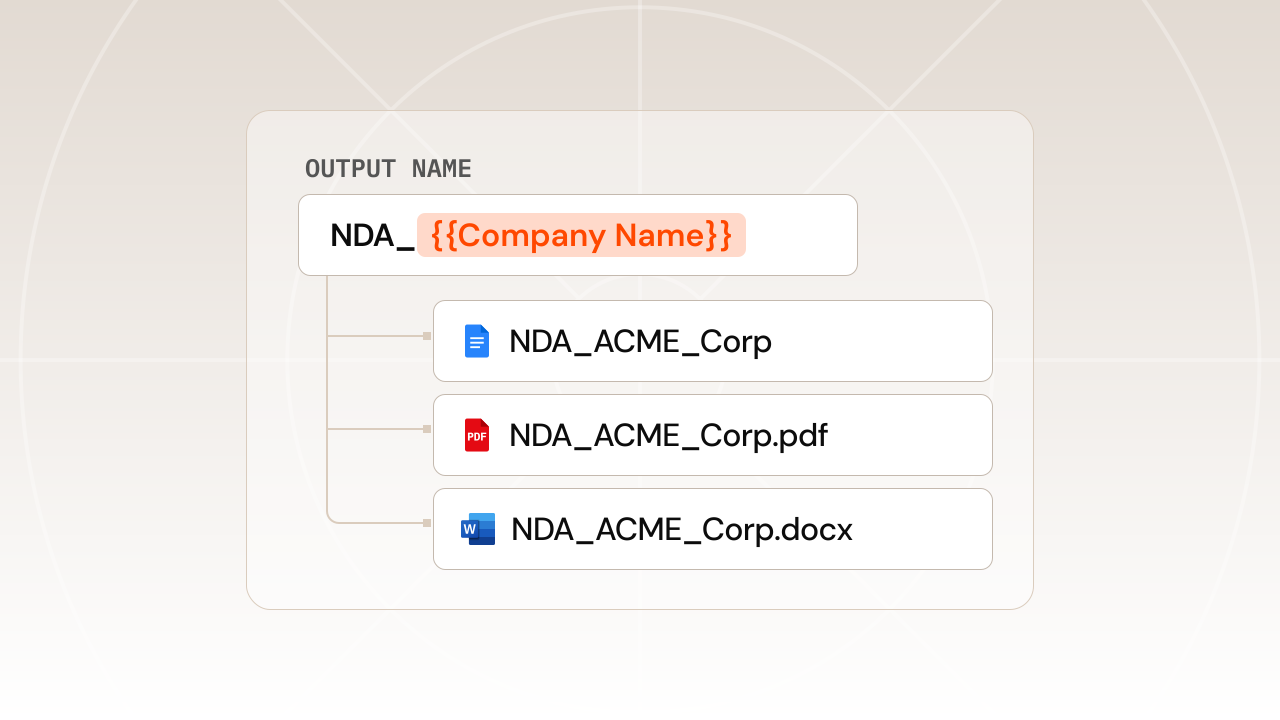
End version control chaos
Apply naming patterns with deal data, dates, and document type so you always know which version is current. Stop losing track of the most recent document.
One template, multiple output formats
Produce a PDF alongside an editable Google Doc or Word file from a single run, so every stakeholder gets the format they need.
Track every document's status at a glance
Search, filter, and locate any past document inside Portant in seconds. Leaders track every document's status without chasing updates.
Documents saved as HubSpot records
Every document is automatically saved back to HubSpot as its own record, so you can track, report on, and follow up without missing a beat.
How to set up output management with the Sales Hub agent
01
Choose your output formats
Select PDF, Google Doc, Word, or other formats for each workflow.
02
Set your destination folders
Point the agent at Drive or OneDrive folders and pick where each document lands.
03
Define naming patterns
Build filenames from HubSpot properties so every file is identifiable at a glance.
04
Generate and confirm
Run a test deal and confirm every file appears in the right folder with the correct name.
Frequently asked questions about output management
Join over 40k+ teams using Portant
Portant has been a game-changer for Clipboard! It’s saved our sales team countless hours every week by generating order forms, proposals and contracts with info from HubSpot automatically filled in.
With Portant, I run documents directly from HubSpot. No jumping between platforms. No copying data.
Portant replaced three separate tools for us. One platform handles docs, signatures, and follow-ups without leaving HubSpot.
Portant was the simplest and quickest signing integration I’ve ever implemented, it works natively with HubSpot.
At RepCard, Portant gave us an end-to-end automated workflow inside HubSpot, we replaced manual agreement creation at scale.
We’re seeing higher average closed revenue with Portant and faster days to close, it’s showing us a material impact on sales velocity.
Love this product. Have been using it for over a year and the integration to Google Workspace is awesome. Lots of credit for listening to your users!
When the executive team asks for an extension document, Portant gets it to them in about an hour, it’s empowered my whole team.
Truly a gamechanger! Portant streamlines these tasks and allows me to focus on the things that require my attention and problem-solving!
This software brilliantly takes over the tedious process of creating and sending invoices. This not only saves time but massively reduces errors of data entry.
This product is a gamechanger for all of those painful manual document merges. Love what you and the team have built!
Our reps used to spend 30 minutes per proposal. Now it’s under two minutes and the documents look better than ever.